Informática e Tecnologia
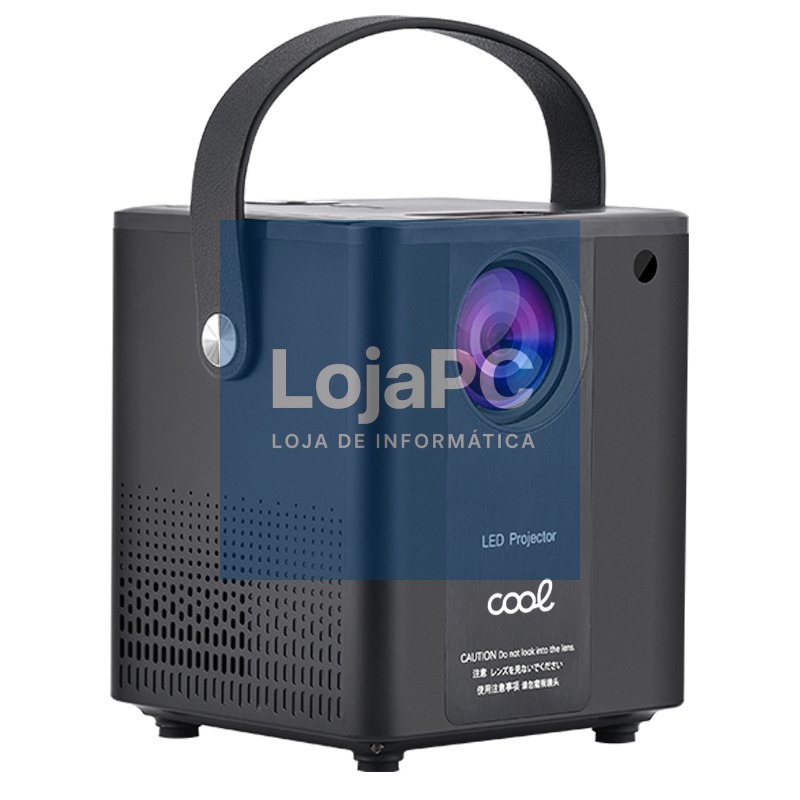
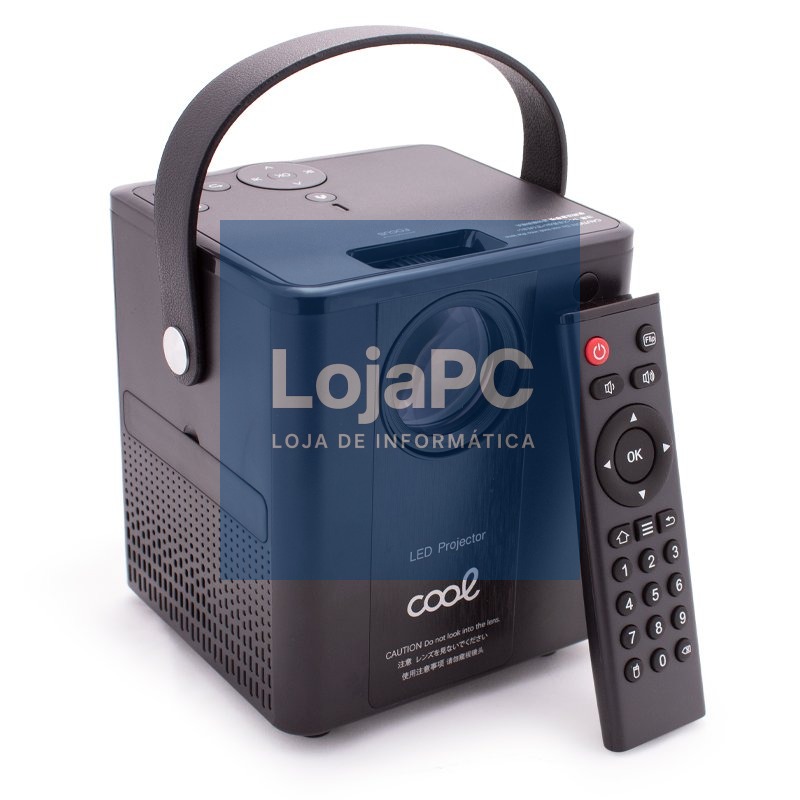
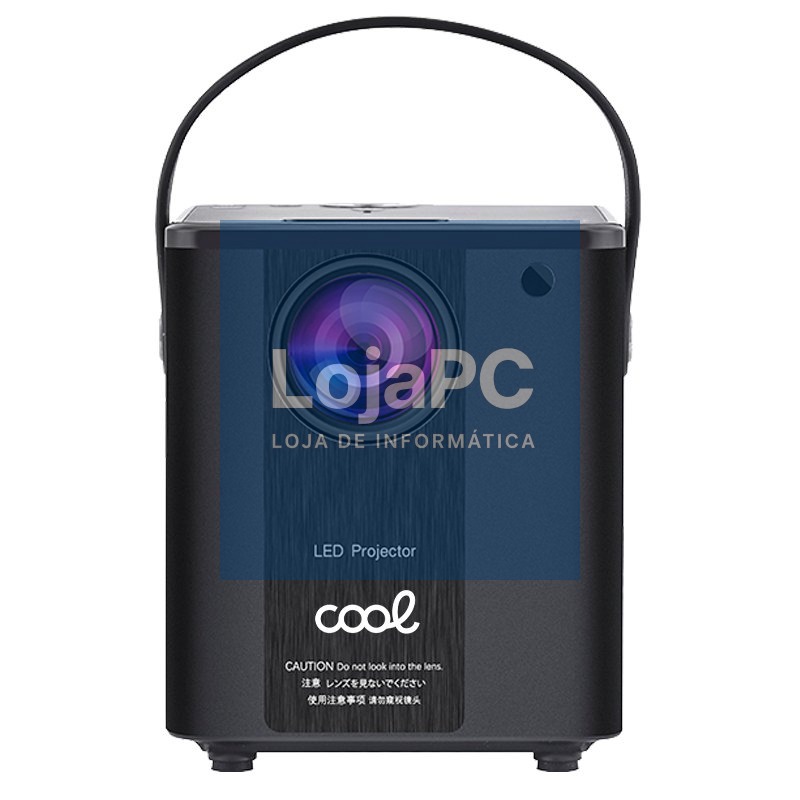
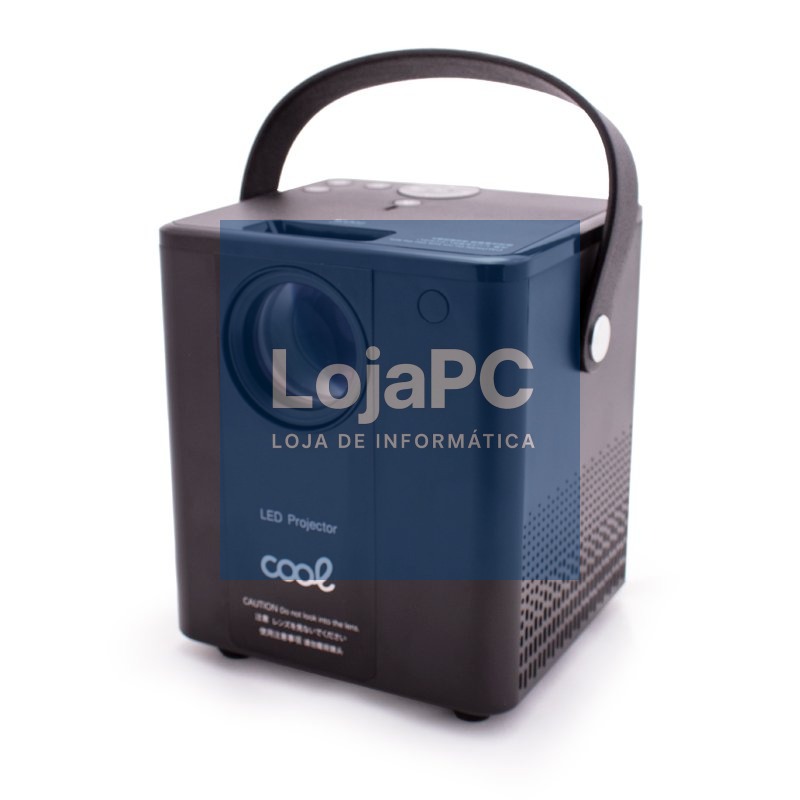
Compact Projector COOL Rainbow 3000 Lumens Integrated Speaker + HDMI/SD/USB + Wifi Mirror (Black)
Marca: COOL
Ref.: 8434847056296
EAN: 8434847056296
167,72 €
Descrição
- Compact COOL Rainbow Projector
- Set up your own home theater with the new COOL Rainbow projector. Compact, ergonomic and modern design, made with high quality materials and a perfect finish. You can watch your favorite movies and videos and even play with the image projected up to 200 inches.
- It has a USB flash drive input and a MicroSD memory card reader, as well as a universal HDMI connection (cable included). Remote control thanks to its remote control (included). High resolution of 1920 x 1080 pixels.
- 3,000 lumens. Compatible with iOS / Android. Integrated 10W power speaker. Universal thread on the base to be able to install it on any universal tripod.
- It incorporates a protective cover for the projector lens. It includes a leatherette hand handle for comfortable transport. Possibility of expanding sound power through 3.5mm Jack cable by connecting another speaker. Office collection.
- Presentation in a COOL brand blister pack with an avant-garde design.
- COOL Rainbow Specifications:
- Projector
- Brightness: 3000 Lumens: 120 ANSI
- Native resolution: 1080p (1920 x 1080 px)
- Inches: Up to 200" (adjustable)
- Audio
- Built-in speakers: Yes
- Number of built-in speakers: 2
- Total sound power: 10 W
- connectivitySpeaker, headphone, output jack: 1
- AV connector
- USB port (pendrives) + HDMI port
- microSD card reader
- Universal thread for tripod
- WiFi: Yes
- Weight and measurements
- Weight: 1.5kg approx.
- Dimensions: Height 150mm x Width 110mm x Depth 120mm
- Modes of use:
- SHARED SCREEN MODE (IOS)
- We turn on the projector, and in the menu, at the top next to Home, we click "conj" and then down to "network set". We select our Wi-Fi network and enter the password.
- We connect our IOS device to the same Wifi network, with its corresponding password.
- In the projector menu we select Airplay, and we will get the name with which we will duplicate the screen.
- In our IOS device, we select duplicate screen, and we choose the name that has come out before.
- SHARED SCREEN MODE (ANDROID)
- The smartphone and the projector must be in the same Wi-Fi network. Open the android screen sharing app on the projector: "Mira Cast".
- Launch Screen Sharing / Smart View mode on your phone, and search for the projector model to connect both devices.
- *Native Streaming applications such as Netflix: in order to be used, they must receive the signal through another device: through the HDMI cable (included in the product box).
Envio 24-48h
sujeito a stock
Garantia 3 anos
produtos novos
Devoluções fáceis